Overview
Stock categories are lookup values that can be used for grouping stock together in the Stock Summary reports.
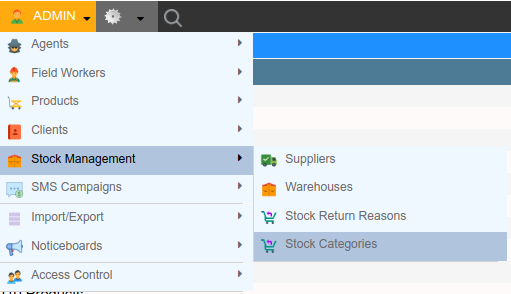
The Stock Categories screen can be found by navigating to Admin Stock Management Stock Categories.
Add Stock Category
-
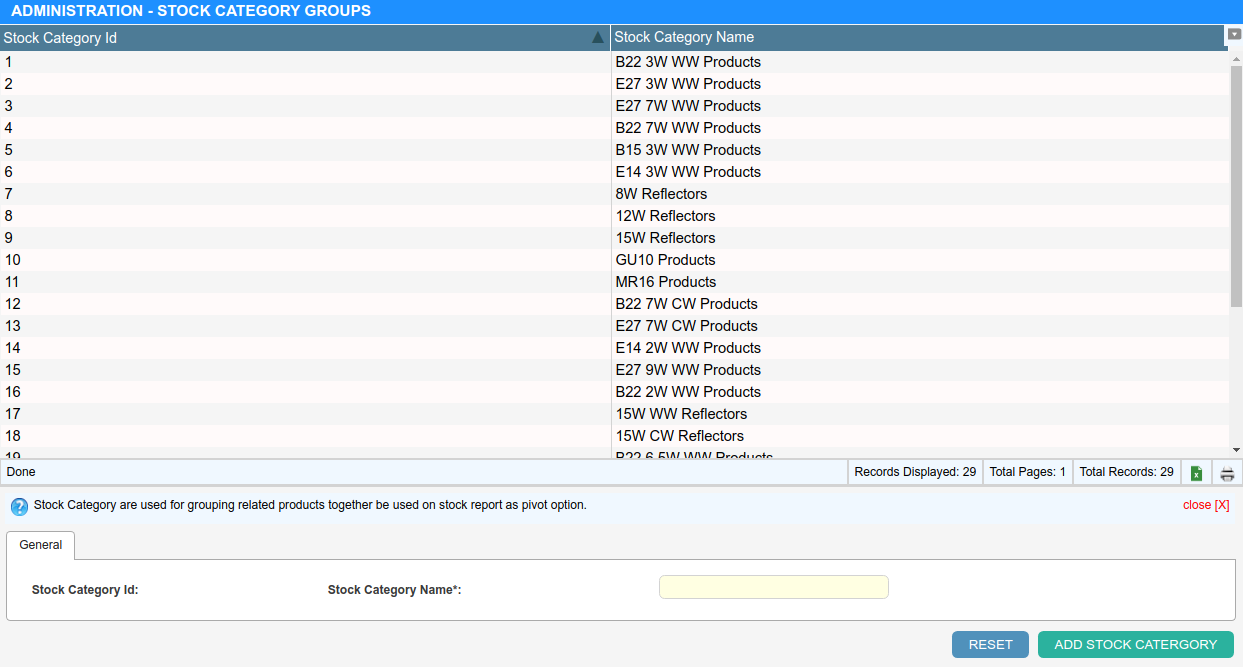
Click ”+ Add Stock Category” and enter the new Stock Category Name into the provided field.
-
Click “Add Stock Category” to save.
Delete Stock Category
-
Click the Stock Category you wish to delete - it opens in the editor drawer.
-
Click “Delete” in the drawer footer.
Setting the Stock Category on a Product
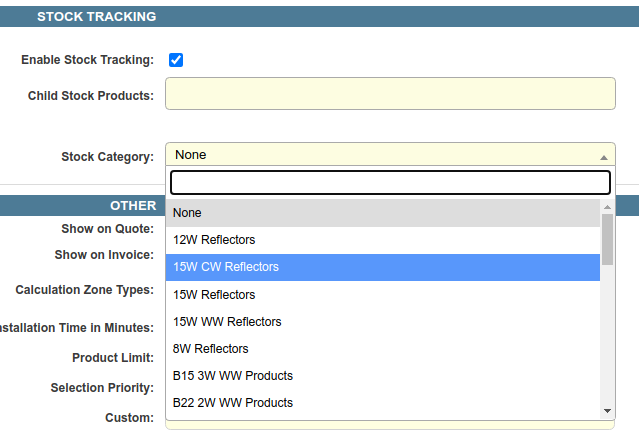
When setting up or editing products, you can set a ‘Stock Category’ on the product by selecting a Stock Category in the Stock Category dropdown.
For details on adding and editing products, refer to Managing Products
Grouping by Stock Category in the Stock Summary Reports
When running a Stock Summary report, use the Group By field to select the stock category to group by. Products in the report will now be grouped by this category.
