Review jobs for Customer
This screen enables operators to review jobs associated with a customer.
When a customer record is first created this list will be empty.
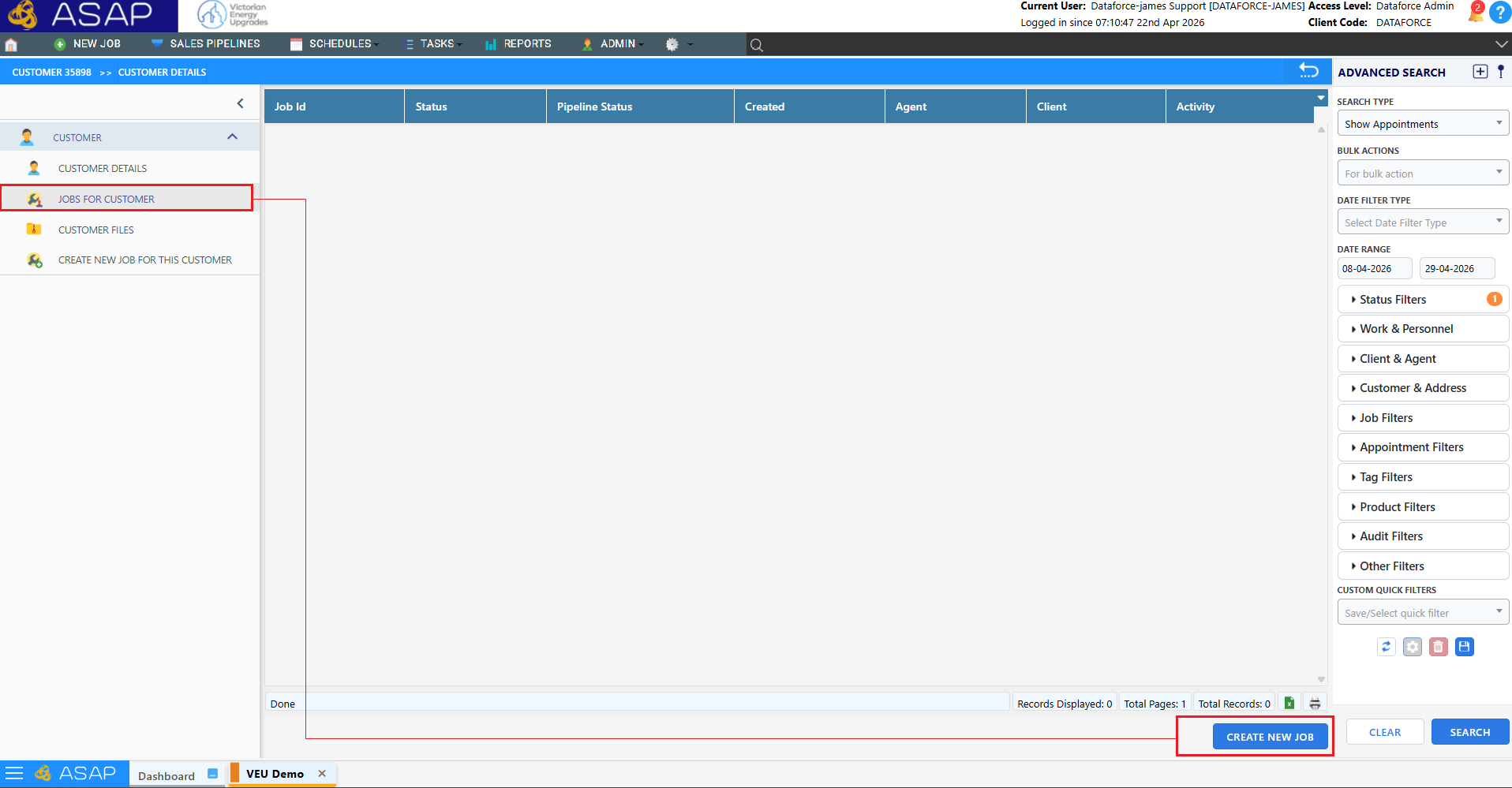
- To create a new job please click “create new job”
Once a job has been created, it will appear in this list as shown below
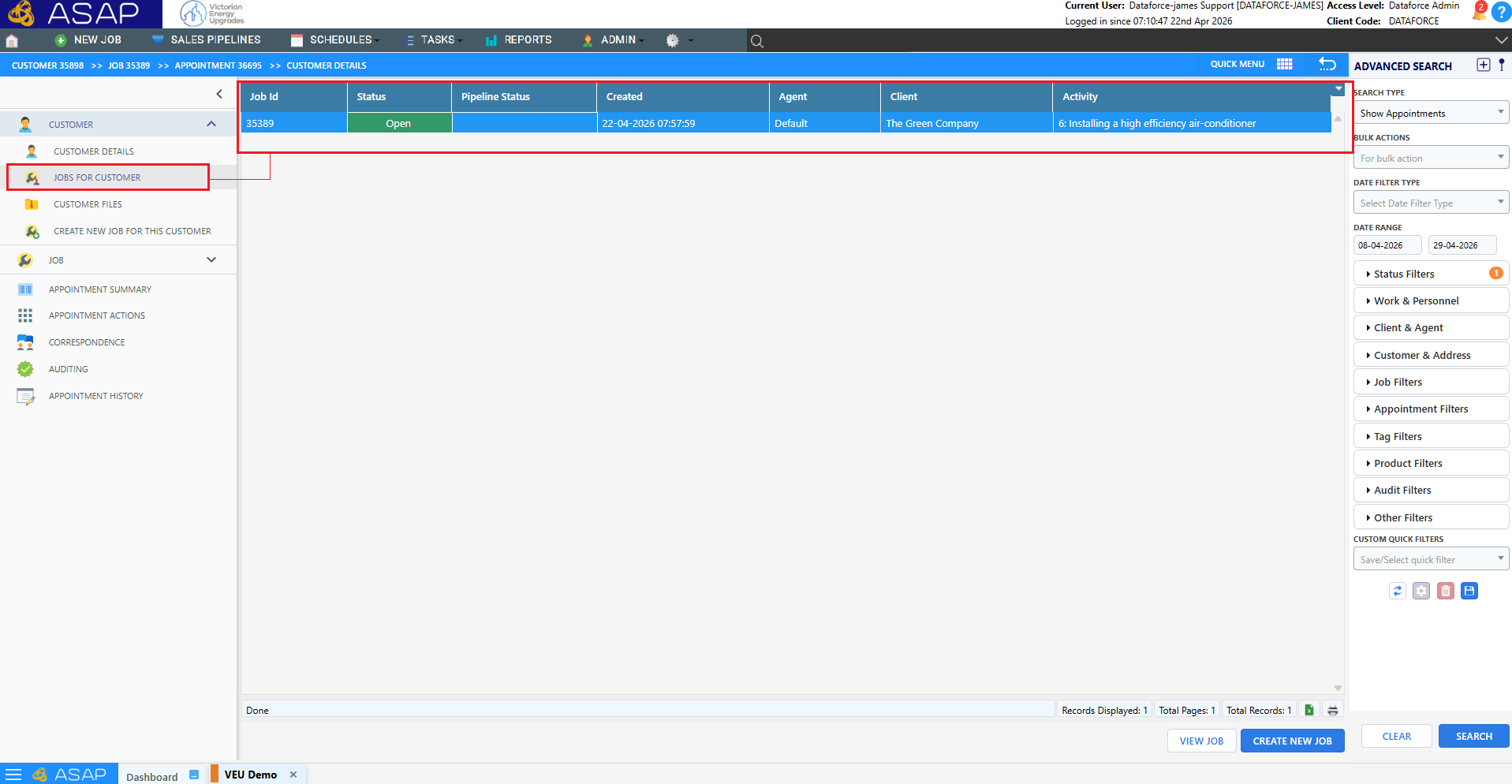
The data grid displays all accessible jobs and includes the following information:
- Job ID
- Job Status
- Sales Pipeline Status
- Agent
- Client
- Activities in Quote or Invoice
To open a job, either double-click the row or single-click to select it and click the View Job button in the bottom right.