View and Update Job/Customer Question Answers
Overview
The Job Questions tab allows an operator to:
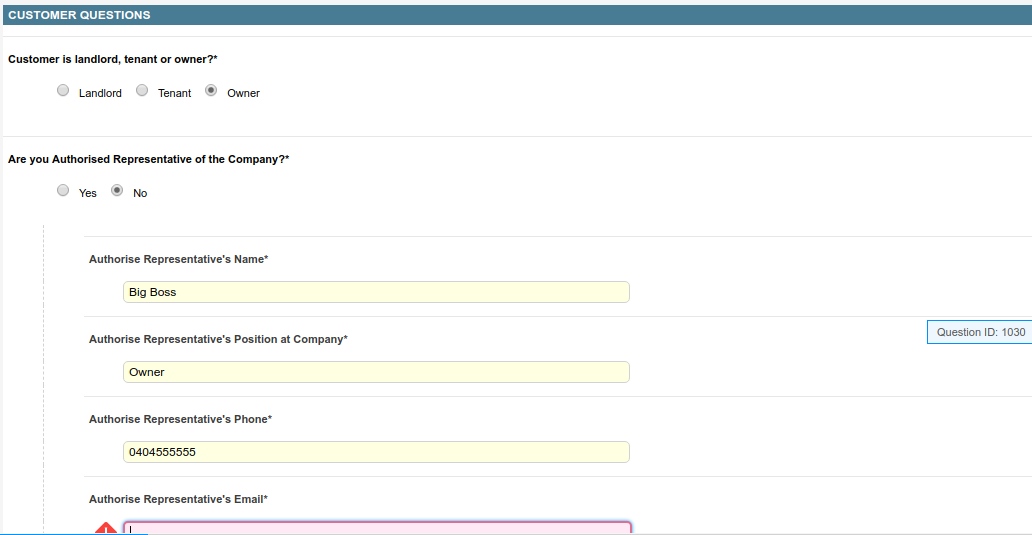
- Update customer and job question responses captured during job creation (when created via Dataforce ASAP).
- Change the job’s source to track where the sales lead originated.
Save changes to Question Answers.

- Click Save Answers. If the button is not visible or is disabled, you do not have permission to make these changes.
- All mandatory questions must be completed before the answers can be saved.
Change the Job Source
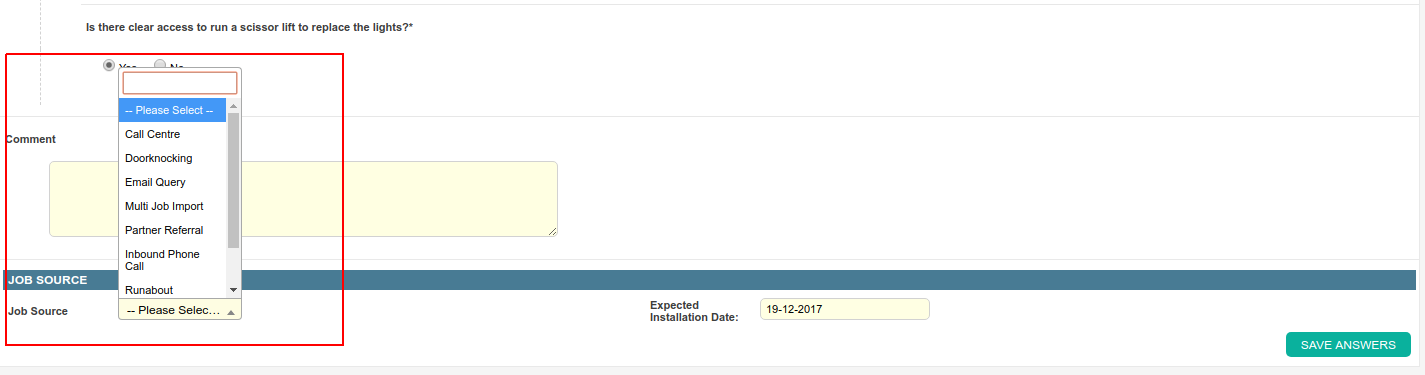
- Click the Job Source field and select a source from the list.
- Click Save Answers. If the button is not visible or is disabled, you do not have permission to make these changes.
- All mandatory questions must be completed before the changes can be saved.