Overview
SecurePay is a payment gateway service provided by Australia Post. It is the recommended gateway if you need to enter card details directly in Dataforce ASAP or Runabout rather than sending the customer a Stripe payment link.
Step 1: Create a SecurePay Account
Please use the following link to create a SecurePay Account.
Step 2: Login to your SecurePay Account
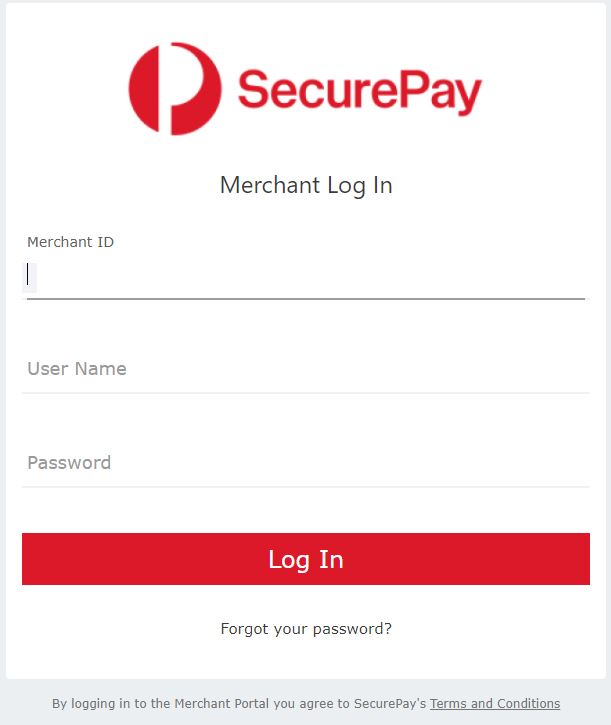
After successfully creating a SecurePay Online Payments account, you will receive a welcome email with all details required to set up your payment gateway integration. The first step is to log in to the merchant portal with the details provided in the email. After logging in for the first time you will be asked to set a new password. Once you have reset your password, proceed with the next step.
Step 3: Create an API Transaction password
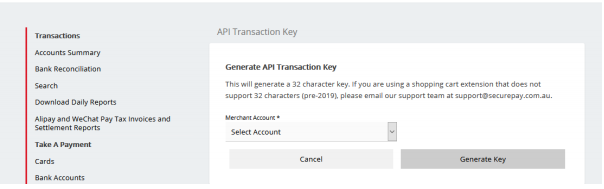
Generating a new API Transaction Password can be done via the Merchant Portal under the Manage menu option.
To set your API transaction password:
- Click on API Transaction Password via the Manage tab
- Select your Merchant Account, if you have the one account it will be selected by default
- Click on Generate key
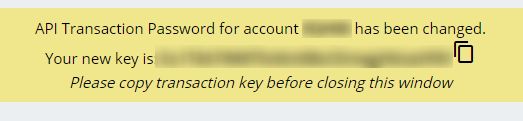
- Your new API password will be displayed.
Step 4: Enable the SecurePay integration for the agent
-
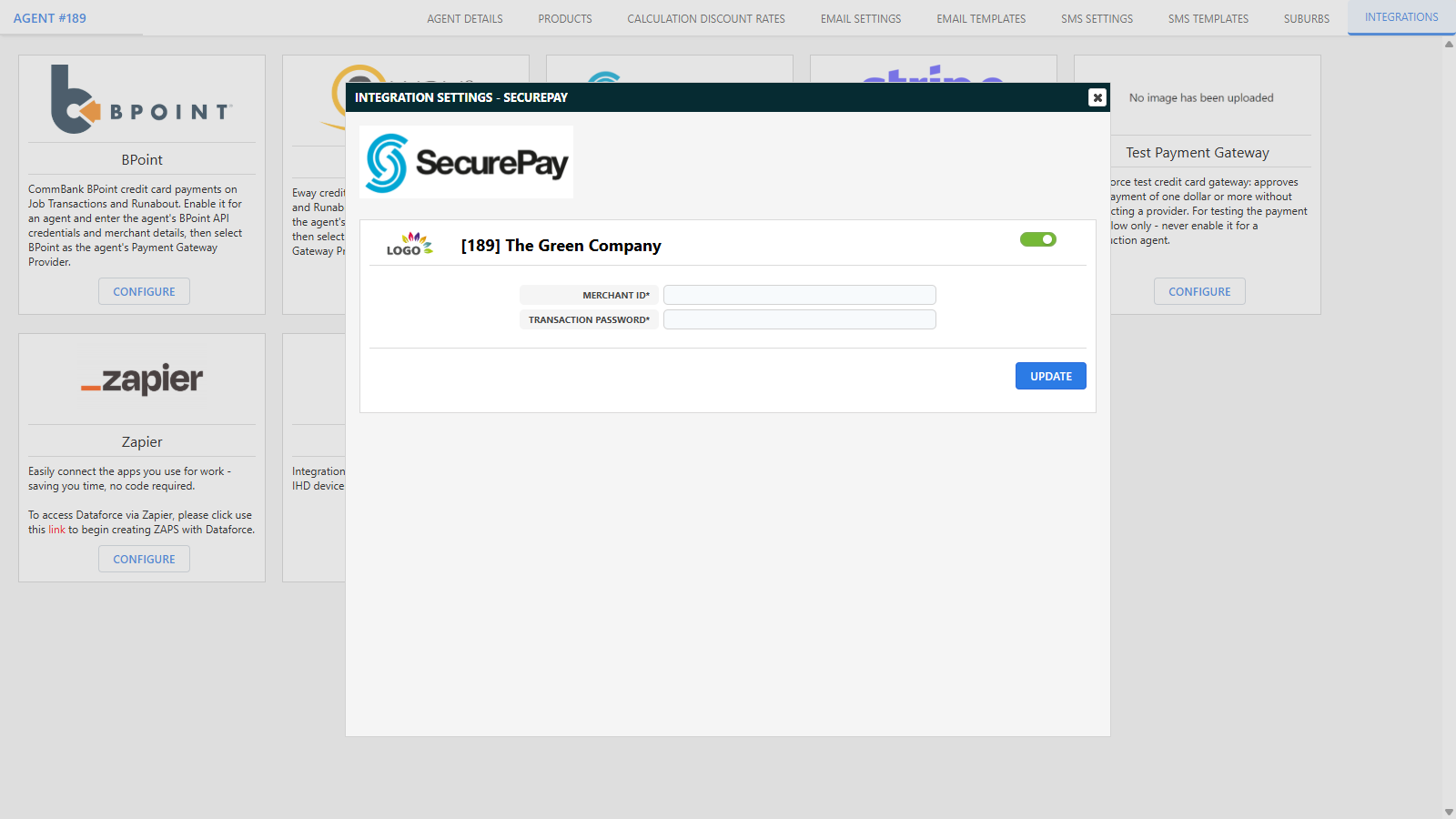
Open the agent you wish to enable SecurePay payments for (Admin Agents Agent Register) and click its Integrations tab.
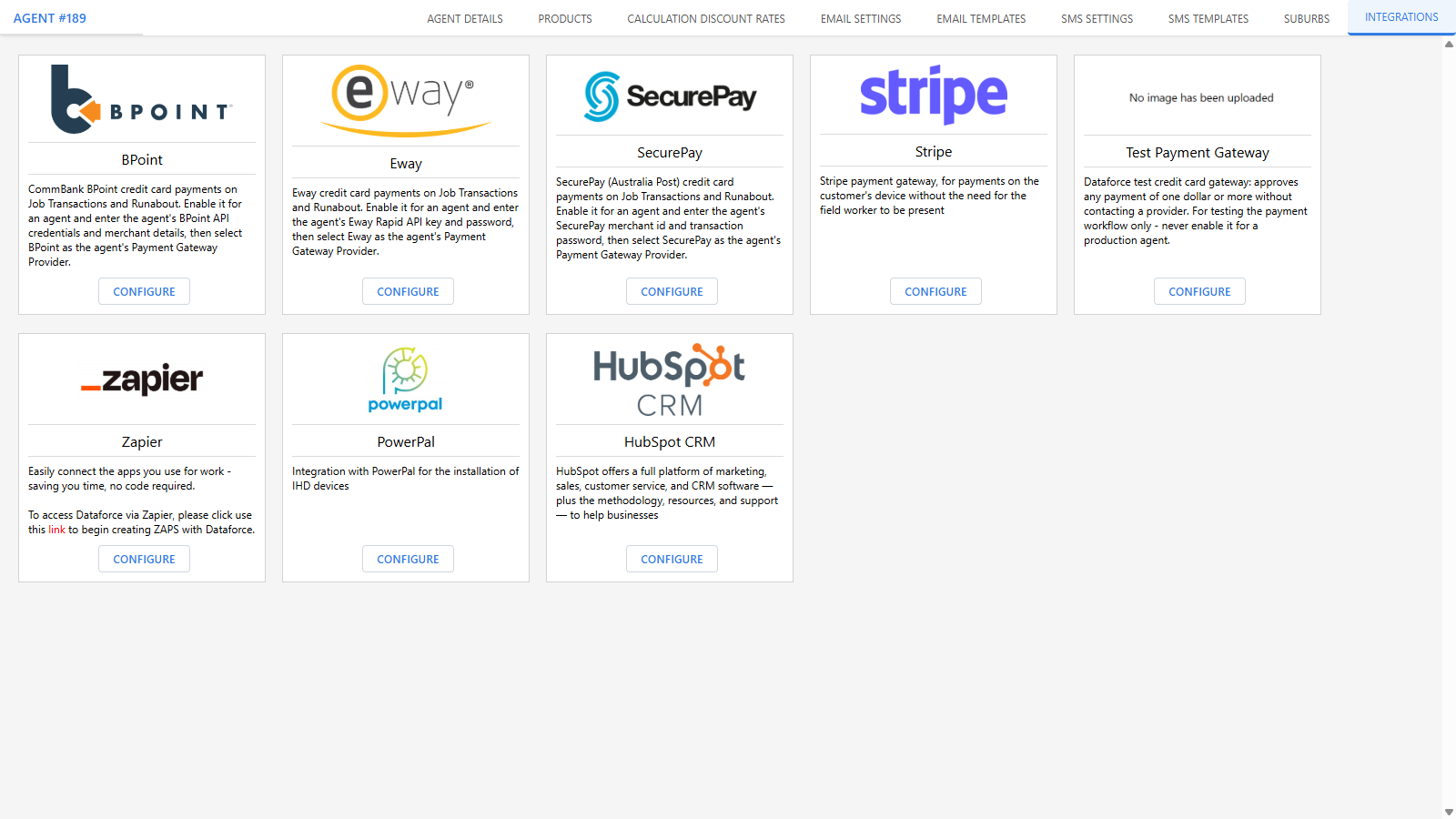
- Click Configure on the SecurePay integration and switch it on.
- In the Merchant ID field enter your SecurePay Merchant ID. If your merchant id is less than 7 characters you need to append extra characters - e.g. if you log in with ‘5OP00’ you need to suffix extra up to 7 characters: ‘5OP0000’.
- In the Transaction Password field enter the API transaction password you generated earlier.
-
Click Update.
Step 5: Select SecurePay as the agent’s Payment Gateway Provider
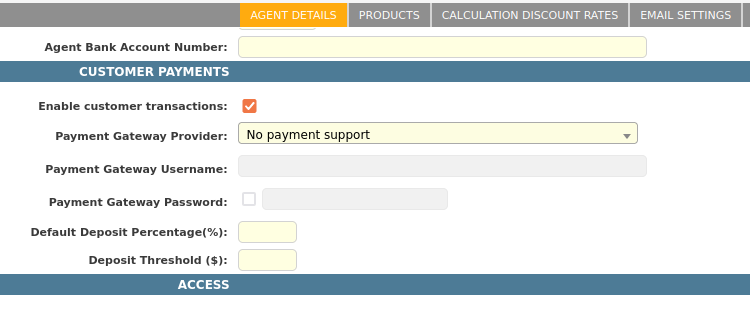
- On the agent’s Details tab, select “SecurePay” as the Payment Gateway Provider. Only gateways whose integration is enabled for the agent are listed.
- Click Save Details.
Step 6: Enable Runabout payments and test
Finish by enabling card payments in Runabout and making a test payment - both are covered in the Credit Card Payments Overview.