Creating an Email Template
-
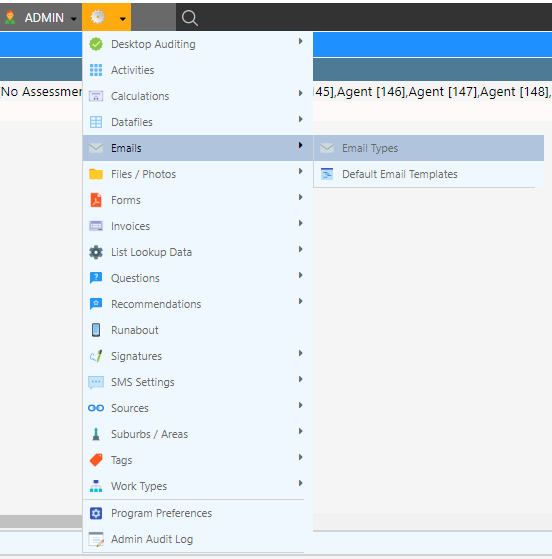
Navigate to (Configuration icon) Emails Default Email Templates
-
Enter the name of the template in the description field

-
Write the contents of the template. For more information see Formatting an Email
s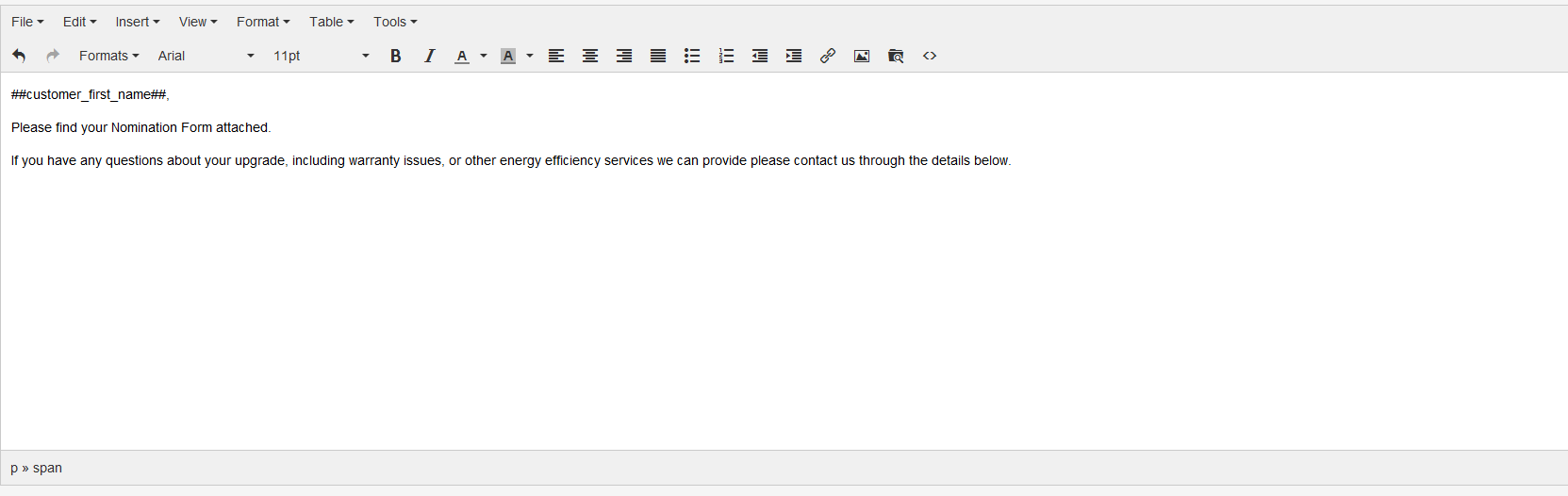
-
Click Save Template
Editing an existing Email Template
-
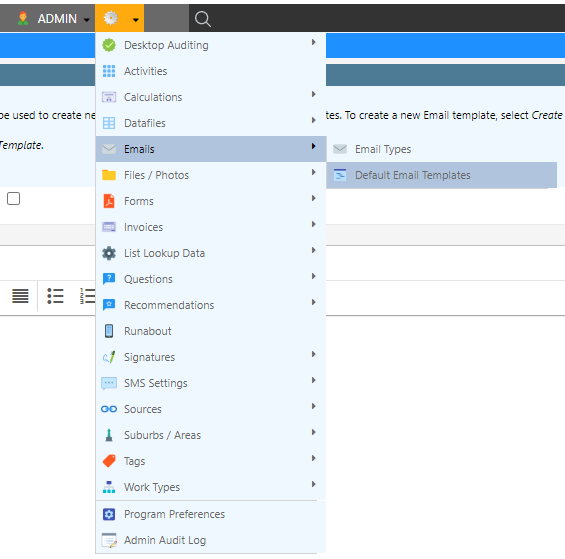
Navigate to (Configuration icon) Emails Default Email Templates
-
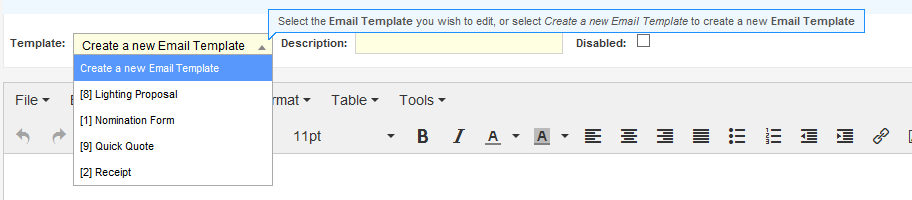
Select a template from the drop-down menu